How to create videos that get dogs seen.
Video is the most powerful marketing tool available — dogs with video content are adopted significantly faster. These simple techniques work with any smartphone and don't require expensive equipment.
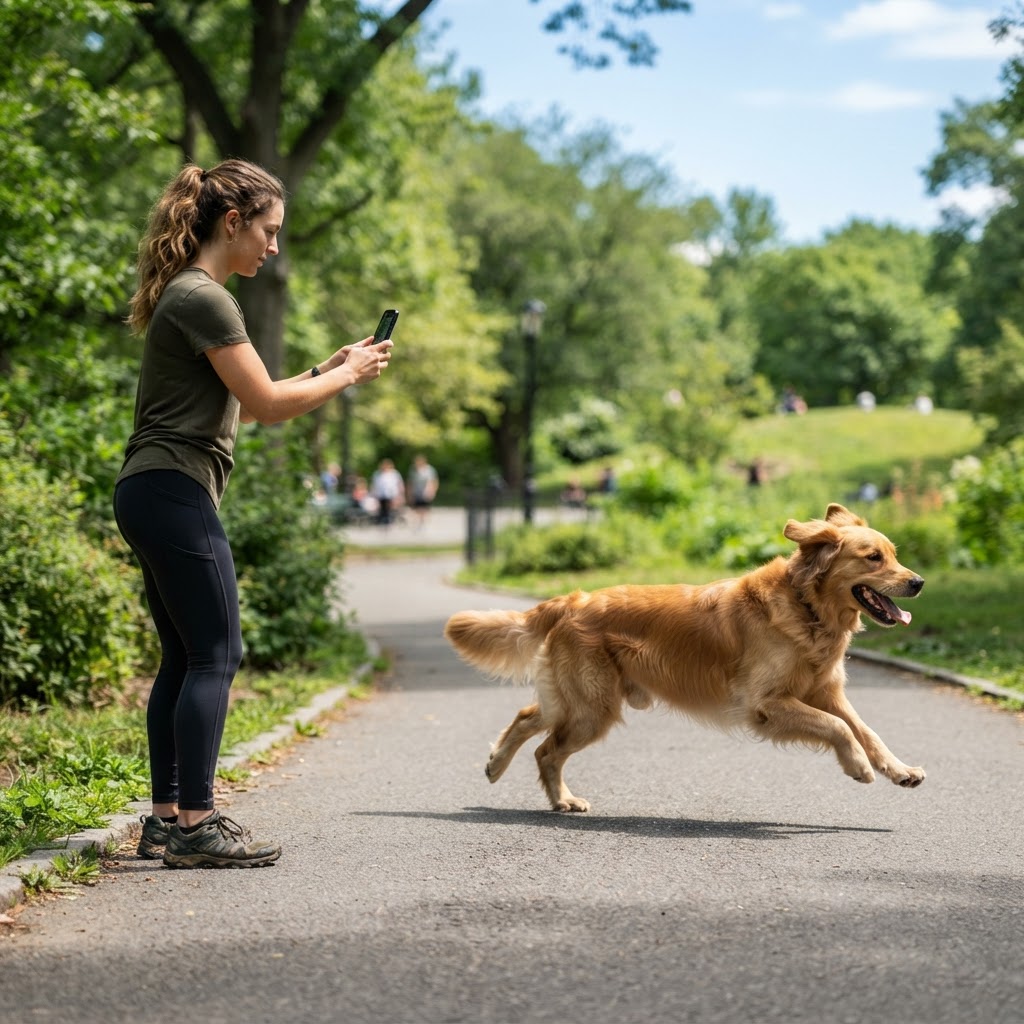
8 tutorials for better videos.
Shoot horizontally
Always hold your phone sideways in landscape mode — this is how video platforms like TikTok, Instagram Reels, and YouTube display best. Vertical videos crop awkwardly and lose important visual information. Horizontal framing also lets you include more of the dog and their environment.
Find good light first
Just like photography, natural light is everything for video. Shoot outdoors or near large windows. Avoid backlighting — make sure the light is on the dog's face, not behind them. Soft, diffused light on a cloudy day is ideal.
Get close and stay steady
Fill the frame with the dog — don't shoot from across the room. Use both hands, brace your elbows against your body, or rest your phone on a stable surface. Shaky footage is the #1 thing that makes videos look unprofessional.
Capture 3 types of shots
For each dog, get: (1) a close-up of their face showing their eyes and expression, (2) a mid-shot of them walking or interacting, and (3) a wider shot that shows the dog in their environment. This variety gives you options when editing.
Show personality in motion
Film the dog doing what they love — chasing a ball, splashing in water, doing a trick, snuggling with a person. Moving footage that shows joy and energy is far more compelling than a dog just sitting still.
Keep clips short
Shoot 10-15 second clips rather than long continuous videos. Short clips are easier to edit, keep viewers engaged, and work perfectly for social media. You can combine multiple short clips into one polished reel.
Include human interaction
Film someone petting, playing with, or walking the dog. This shows the dog's temperament, size relative to a person, and readiness for family life. Candid moments of connection are gold.
Use simple editing apps
You don't need expensive software. Free apps like CapCut, InShot, and the built-in editor on your phone have everything you need: trim clips, add music, include captions, and adjust brightness.
Free videography tools & tutorials.
Everything you need to edit professional-looking videos — completely free. These tools and courses will get you from footage to finished adoption video in no time.
CapCut — Free Video Editor
Free, powerful video editor with templates, music, captions, and effects. Available on mobile and desktop.
Canva — Free Video Templates
Drag-and-drop video creation with professional templates — perfect for social media adoption videos.
InShot — Mobile Video Editor
Popular free mobile app for trimming, merging, adding music, and adjusting video speed. Great for quick edits.
YouTube Creator Academy
Free courses from YouTube on video production, storytelling, and growing an audience — all applicable to shelter content.
Adobe Premiere Rush
Simplified version of Premiere Pro with a generous free tier. Edit on mobile or desktop with professional tools.
DaVinci Resolve
Industry-grade video editor with a powerful free version — includes professional color correction and audio tools.
Extract the best frames from video.
Upload a video of your dog and we'll automatically extract the best still frames — perfect for capturing active dogs.
Free video-to-image converters:
Share your videography tricks & tools.
Got a great video tip, free editing tool, or a trick that made your dog videos stand out? Drop it here for the community.
From the community
0 tipsBe the first to share a tip!
Your tip might inspire a fellow rescue advocate.
Share your thoughts
The photography tutorials were a game-changer. Our adoption photos look so much more professional now.
We used the Ad Builder to create profiles for 15 dogs last week. The download quality is amazing.

